 Clanker Controller
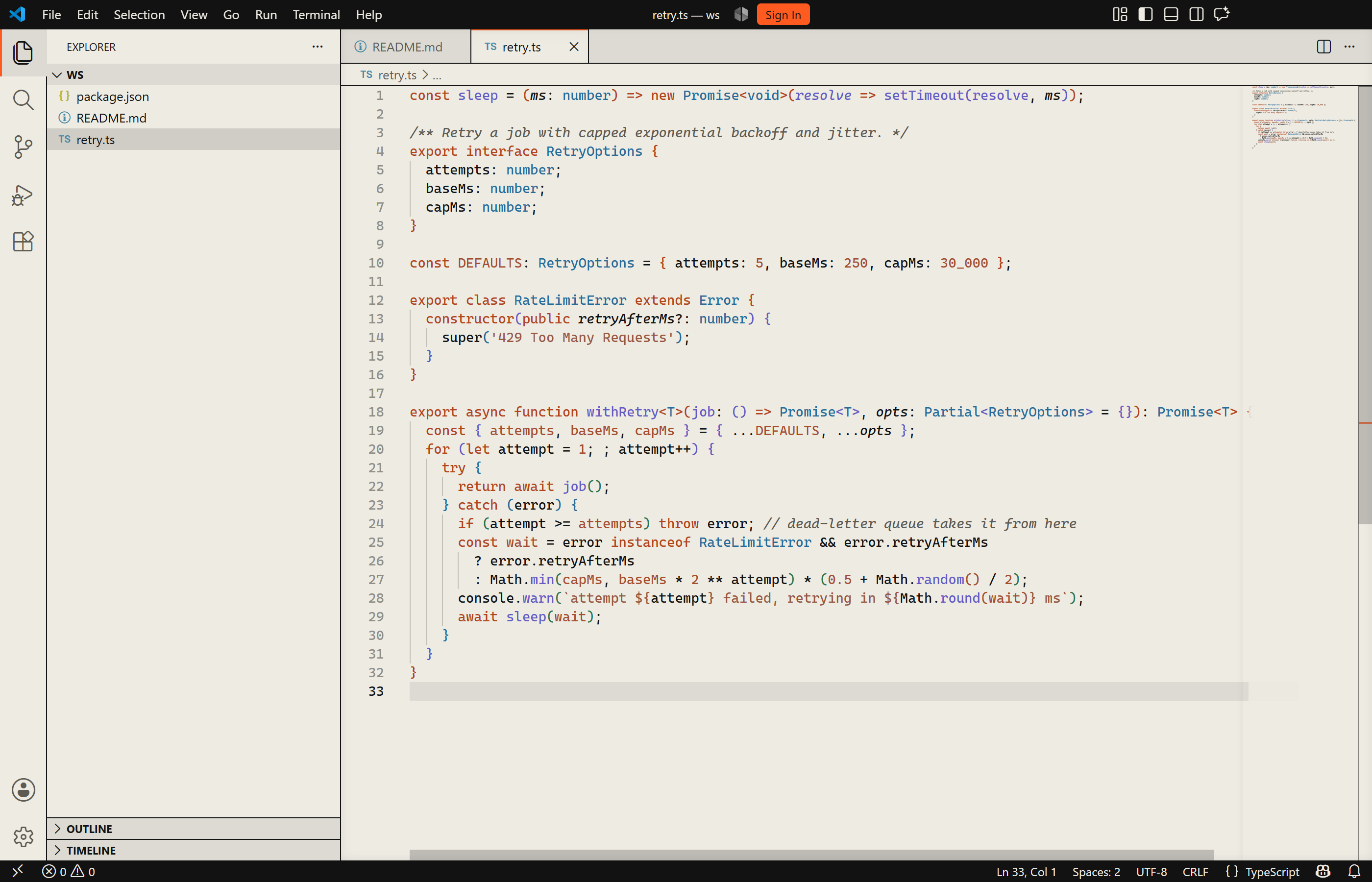
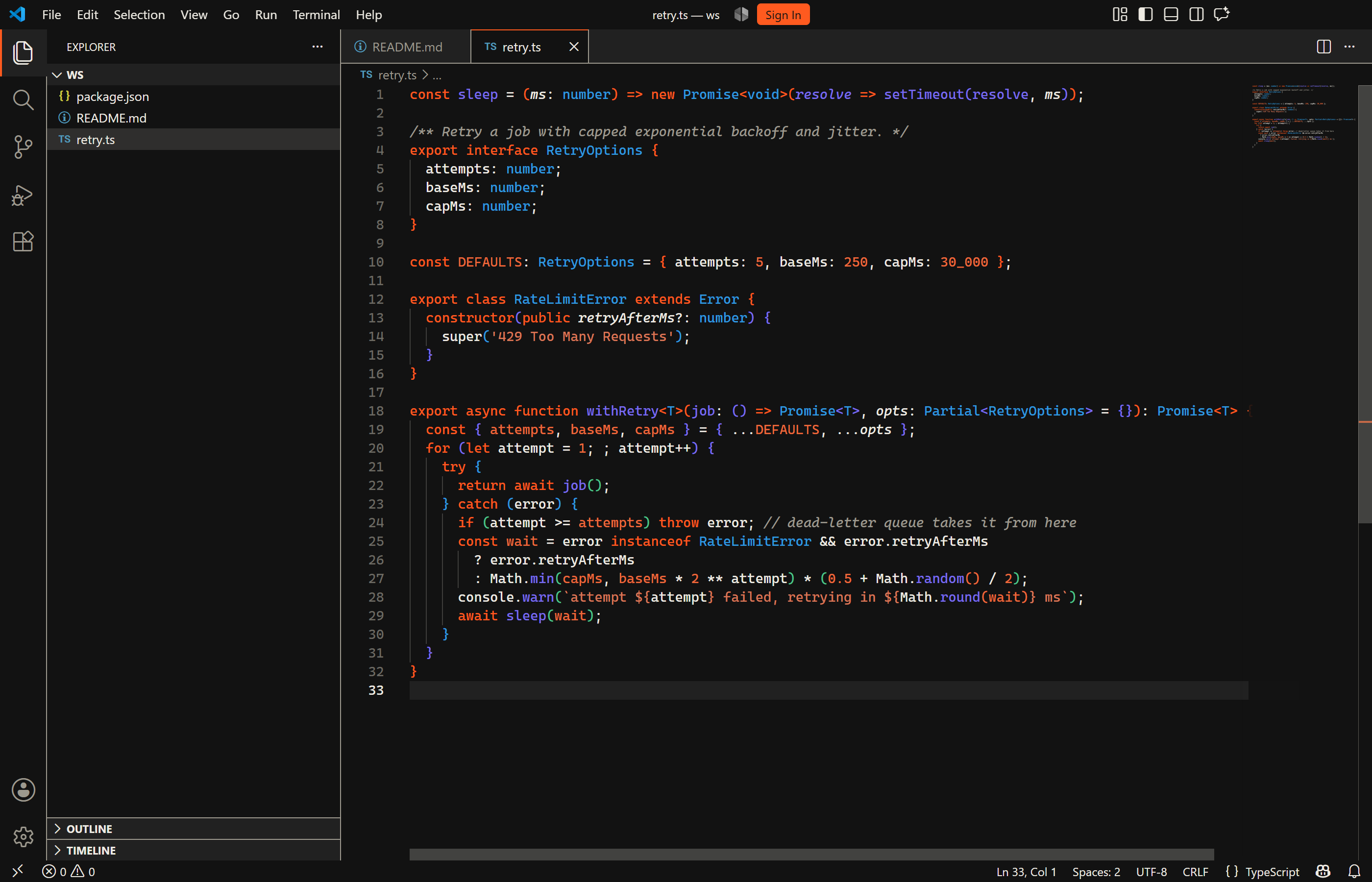
An editor theme that looks like this page.
Clanker Paper and Clanker Ink are two colour themes for VS Code and Antigravity IDE, cut from the colours of this site. Paper is the light one. Ink is the same page after dark.
Install
- Download clanker-theme-0.1.0.vsix.
- In VS Code or Antigravity IDE, open the Extensions view, choose the … menu and pick Install from VSIX….
- Press Ctrl+K Ctrl+T and choose Clanker Paper or Clanker Ink.
From a terminal in VS Code: code --install-extension clanker-theme-0.1.0.vsix. The theme is not on the Marketplace yet, so it does not update itself.
Same colours as the site
Backgrounds, text, rules, the orange accent and the selection come straight from the site's stylesheet. Code text needs a contrast ratio of 4.5:1 on its background. The site's orange, violet and blue are too light for that on paper, so Paper darkens them until they pass. Ink needs no change. The build fails if any code colour falls below 4.5:1.
| Role | Paper | Ink |
|---|---|---|
| Background | #eeebe3 | #121212 |
| Text | #121212 | #eeebe3 |
| Accent | #ff5a1f | #ff5a1f |
| Keywords | #b3431b | #ff5a1f |
| Strings | #995741 | #d97757 |
| Functions | #655ac4 | #7a6cf0 |
| Types | #256c9a | #2f9be0 |
A theme cannot change the editor font. This site uses JetBrains Mono for code; to match it, install that font and set editor.fontFamily.